Draw the Other Half Draw . . . Draw Group Rewards
Free exclusive chair for members — plus how social likes and favorites fit into the same freebie loop.
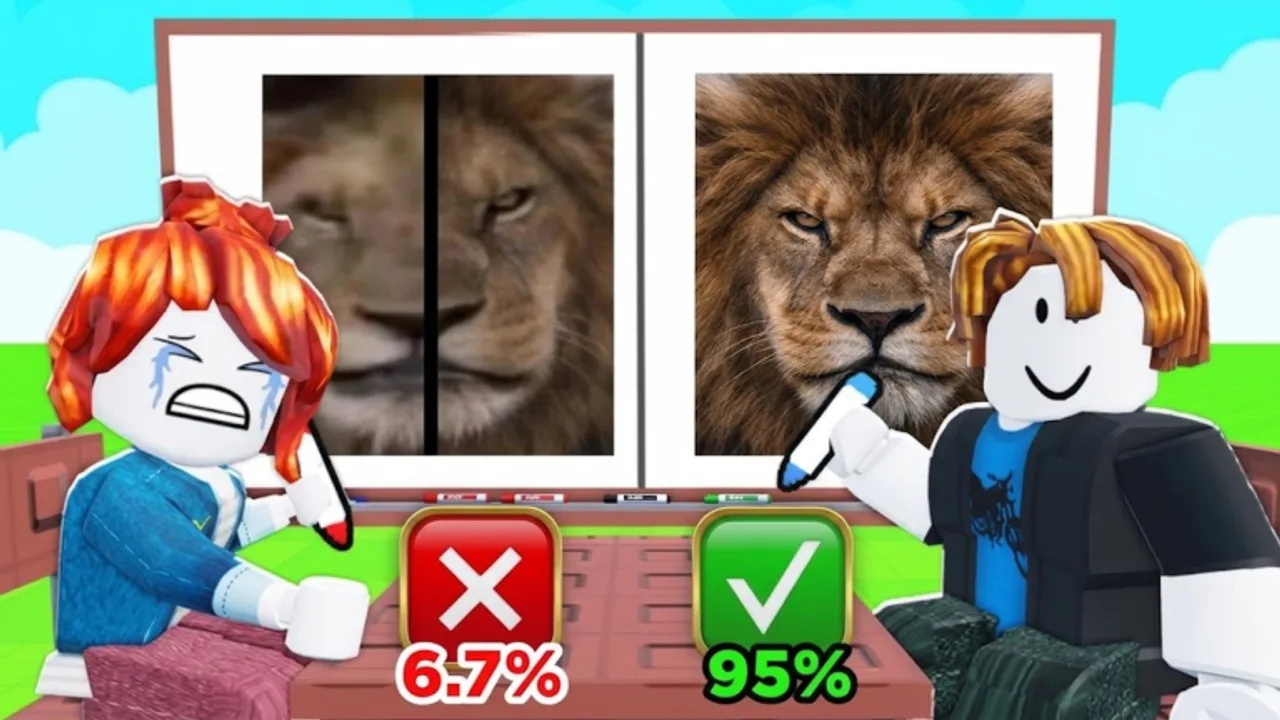
Draw the Other Half is published by the Roblox group Draw … Draw. Joining that group is the most important free unlock in the early game: members can claim a FREE exclusive chair that non-members cannot grab the same way. This page explains why the group matters, how to claim the chair, what other social rewards to watch, and how the perk fits next to daily gifts and future classic codes.
For the full claim checklist across every reward type, use How to redeem rewards. For classic promo-code status (still none confirmed), see the Codes Hub.
Why the group exists
Creator groups on Roblox do three jobs for a new party game:
- Gate cosmetics — exclusive chairs, win effects, or badges that reward supporters.
- Broadcast updates — shoutouts when Hard Mode changes, new themes drop, or a codes UI finally ships.
- Community hub — bug reports, art showcases, and leaderboard flexing without relying on random Discord invites.
Draw the Other Half leans on the first job hard: the marketing promise is a free exclusive chair for joining Draw … Draw. Treat that as a day-one checklist item, not an optional flex.
Step-by-step: join and claim the free chair
- Open Roblox in a browser or the app while logged into your main account.
- Navigate to the group Draw … Draw (match the spaced dots in the name so you do not join a lookalike scammer group).
- Press Join Group. Accept any membership prompts.
- Launch Draw the Other Half and enter a server.
- Open the chairs / shop / rewards interface.
- Locate the group exclusive chair entry and press Claim or Get if it is free for members.
- Equip the chair at a drawing table and take a screenshot if you want proof it saved.
If the chair still shows a lock icon, leave the experience completely, refresh the group page to confirm membership, then rejoin a fresh server. Group role caches sometimes lag a minute after joining.
What the exclusive chair is for
Chairs are the main flex cosmetic while you sit and draw the other half of each picture. The catalog already spans 35+ chairs across Common through Limited-style rarities. A free exclusive seat lets you:
- Look distinct on day one without spending Cash.
- Save early Cash for a win effect or a higher-rarity chair you truly want.
- Sit comfortably while you learn themes and Hard Mode pacing.
Use the community Chairs tier list to decide whether to keep the group chair equipped long term or treat it as a bridge cosmetic.
Other social rewards tied to support
Beyond the group join, watch for:
- Like the experience — thumbs-up on the Roblox page; some builds grant a one-time thank-you gift in-game.
- Favorite the experience — bookmarking helps you relaunch quickly and may unlock a social reward prompt.
- Stay in the group — leaving can lock future group-only drops even if you already claimed the first chair.
Always finish the claim inside the game UI. Clicking Like on the website alone does not always push inventory until the in-game rewards panel acknowledges it. The redeem guide covers the exact order: How to redeem.
Group wall vs fake “code” posts
Scammers love brand-new games. Expect:
- Lookalike groups with near-identical names offering “free Limited chairs.”
- Wall posts linking to fake redeem sites that steal passwords.
- Fake admins DMing “verify your group reward” with a phishing form.
Rules of thumb:
- Only join the real Draw … Draw group associated with the experience.
- Never type your password outside Roblox.
- Ignore loadstrings or “auto claim group reward” tools — see Scripts safety and the Scripts Hub.
- Classic codes, when they exist, will be mirrored on the Codes Hub after verification — not invented here.
How group rewards interact with the economy
Draw rounds pay Cash and Wins. Hard Mode doubles Cash. Themes such as Animals, Emoji, Love, Football, Sport, Anime, and Hard change difficulty and payout feel — ranked on the Themes tier list. The free chair does not replace grinding; it simply removes the pressure to buy the first shop seat immediately.
Leaderboards still celebrate Wins and flashy win effects. Use the group perk to look good while you climb fairly.
Checklist for new players
- Join Draw … Draw.
- Claim the free exclusive chair in-game.
- Like and Favorite the experience; claim any social gift.
- Set a reminder for daily / playtime rewards via How to redeem.
- Bookmark the Codes Hub for the day classic text codes appear.
- Skim Guides so your first drawing sessions convert into Wins efficiently.
After the chair: what to unlock next
Once the group seat is equipped, focus on skill and Cash efficiency:
- Practice clean silhouettes on easier themes before Hard Mode.
- Unlock a win effect you actually enjoy watching — lightning, meteors, or black-hole styles are popular flex picks on our opinion tiers.
- Explore art parkour and server troll features for fun, but do not skip reward claims between sessions.
The group reward is the easiest win in Draw the Other Half. Claim it once, stay in Draw … Draw, and let every later update’s exclusive drop find you automatically.
Frequently Asked Questions
Quick answers to the most common questions.
What is the free exclusive chair reward?
Join the Roblox group Draw . . . Draw, then claim the member-only chair inside Draw the Other Half. It is a group perk, not a typed promo code.
Do I lose the chair if I leave the group?
Keep membership to stay eligible for future group drops. Some games also re-lock cosmetics if you leave — safer to stay joined.
Are likes and favorites required for the chair?
The chair is tied to group membership. Likes and favorites may unlock separate social gifts; claim those in the rewards UI after supporting the page.
How is this different from classic codes?
Group rewards need membership and an in-game claim. Classic text codes (none confirmed yet) would be typed into a codes box when the developers add one.